




Gone are the days when you had to miss out on playing games or betting on sports simply because you’re on the move. 22Bet has an app that adds convenience to your betting/gaming experience.
You can easily access all your favourite games and sports markets from anywhere, anytime. The 22Bet app download process is straightforward. Simply visit the official brand website, and it’s smooth sailing from there.
Besides an actual application, you can even get a PWA (Progressive Web App) that runs directly through your mobile browser. Just make sure that your smartphone or tablet meets a few system requirements, and the app will work efficiently.
This review will help you learn how to download and install the 22Bet app on your Android or iOS device, as well as the amazing features you’ll interact with when gaming/betting on the go.
Get the Android App
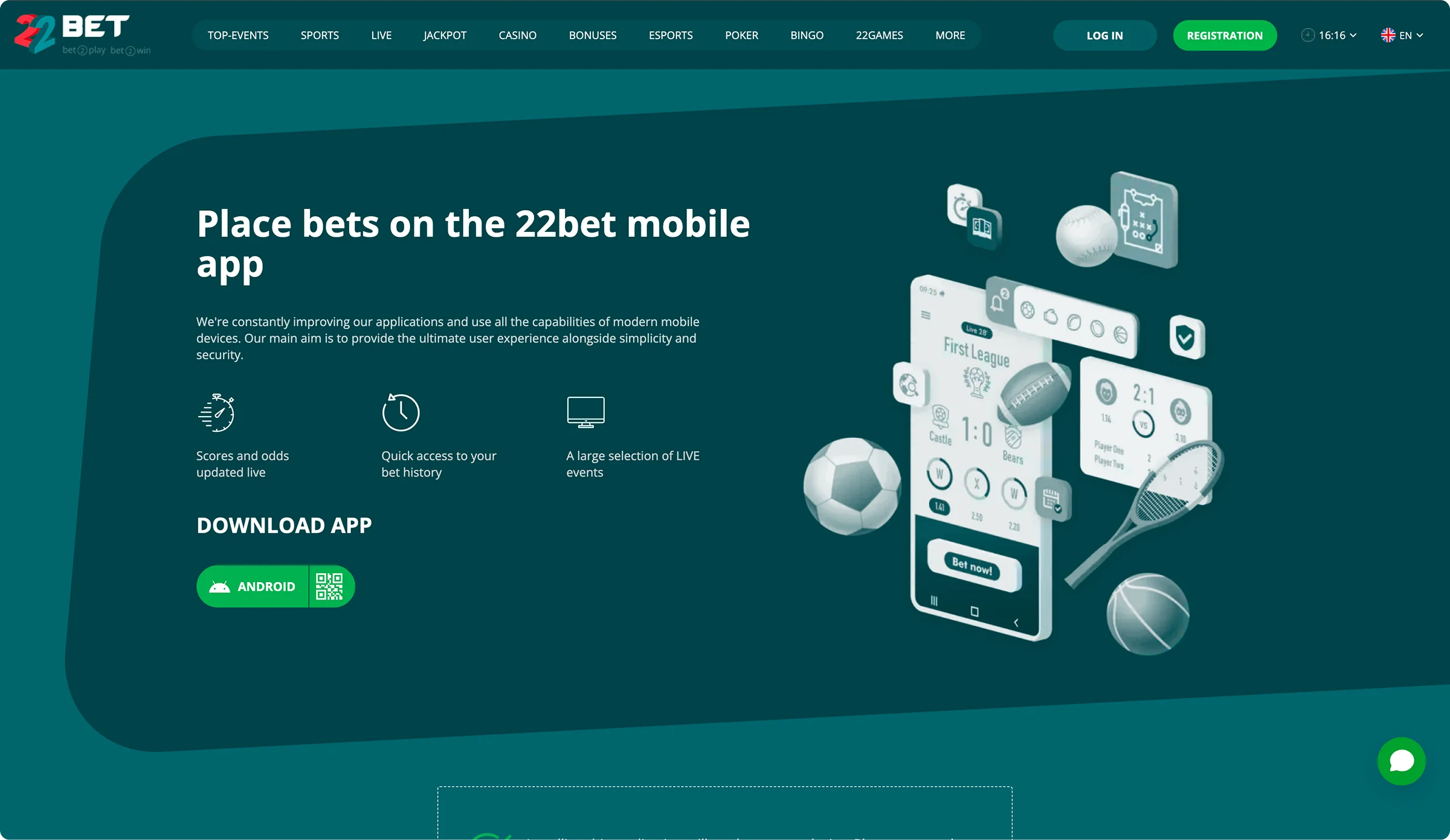
You can either get the PWA or actual app from the 22Bet website. The former is easy to get, as you just need a browser that can run a web app to download and install. With the latter, you’ll be downloading a 22Bet APK file. You’ll need to make changes to your device settings to allow unknown apps to install.
Download and Installation Guide
To download 22Bet on Android, you’ll need to visit the official website using the browser on your mobile device. You can choose to scan a QR code for faster installation or complete the download process. To get the app:
- Visit 22Bet on your smartphone or tablet.
- Go to the ‘Mobile App’ section.
- Tap the option with an Android icon to download 22Bet APK.
- Adjust your device settings to allow unknown apps to install.
- Follow the prompts in the downloaded file to finish the installation.
- Open the app and start betting/gaming.
If you opt to get the PWA instead, you’ll need to make sure that your Android device can run a browser app smoothly. Here’s what you do to install the PWA on your smartphone or tablet:
- Open Google Chrome or your preferred browser using your mobile device.
- Go to the 22Bet official site.
- Tap the ‘Mobile App’ section.
- Click ‘Add to Home’ only when the website is fully loaded.
- Confirm the installation and start the app.
Supported Android Devices
To find out if your device is compatible with the 22Bet app, you need to check the system requirements for download and installation. These include:
- 2 GB RAM
- Android version 6.0 or higher
- 200 MB of free storage
- Steady internet connectivity
Most smartphones and tablets can easily meet and exceed these system specifications. This means there’s an endless number of compatible Android devices. Any latest model of different brands with the Android operating system can run the app smoothly.
These may include:
- Samsung Galaxy A, S, M, and Z Series
- Huawei
- Xiaomi
- Vivo
- OPPO
- Mobicel
- Huawei
- Nokia
- Tecno
- Honor
Play and Bet Smarter with the iOS App
You can get the app from the App Store or the official 22Bet site. There’s also a PWA that you can add to your home screen to enjoy on-the-go gaming/betting from anywhere on mobile. The app is compatible with most iPhones and iPads.
How to Get the App in Minutes
To download 22Bet app on your iOS device, you can easily scan the QR code on the website. You can also complete the full download process from the website. You don’t even have to worry about installation, as the app installs automatically. To get the app:
- Visit the 22Bet site using your iPhone or iPad.
- Go to the Mobile App section.
- Tap the option with an Apple icon to move to the App Store.
- Click ‘Get’.
- Launch the application and sign up or sign in.
Downloading the PWA on your iOS device is also a straightforward process. All you need is an iPhone or iPad that can run a browser app efficiently. You can only download the PWA from the 22Bet site. Here’s how you install it on iOS:
- Use Safari or your preferred browser to visit the 22Bet website.
- Go to the ‘Mobile App’ section on the homepage.
- Wait for the website to load fully and then click the ‘Share’ icon.
- Tap ‘Add to Home Screen’.
- Confirm the installation.
- Open the app and start playing/betting.
Optimised for Most iPhones and iPads
22Bet requires your iOS device to meet a few system specifications to download, install, and run. For the PWA, you only need a browser like Safari that can run a web app smoothly. To get the 22Bet app, your device needs at least:
- 2GB RAM
- iOS 13.0
- 200 MB of free storage space
- Uninterrupted internet connection
Many iPhones and iPads can easily meet these specifications. What’s more, some devices can even be updated to the latest operating system depending on the model. iPhone 8 and later models and iPad Air, iPad Mini, and iPad Pro are some of the compatible iOS devices.
RegistrationNext-Level App Features Built for You
The 22Bet app comes with all the features that you can find on the website. To take your on-the-go betting/gaming experience to the next level, the brand has included some additional features. These include:
- Live Betting. You can place in-play bets when using the app. The brand will provide you with updated odds and tips, and also give you access to live streaming capabilities, so you can bet in real time.
- Push Notifications. You no longer have to miss out on any updates because you’re away from your desktop. The 22Bet application supports push notifications, which ensure you get real-time messages about any new games, promotions, and products or services.
- Optimisation. You can download and install the app on multiple devices. Furthermore, you can use the same account logins on all these devices for a smooth cross-platform experience.
- Personalisation. It’s easy to keep track of your betting and gaming activities on the app. By learning your likes, dislikes, and preferences, the app can recommend games, sports, offers, tournaments, and other products and services that you’ll enjoy.
- Portability. It’s a key feature of the app, as it shows you can carry the platform with you anywhere you go. This gives you flexibility and convenience whenever you want to play games or bet on sports.
- Bonuses. Besides the regular bonuses, the app comes with an exclusive offer that you can only access when betting on it. You can enjoy a bonus of up to 4,148 ZAR every month just on the app.
- Offline Access. When using the PWA, some of the features can be explored without an internet connection. This means you can enjoy the app even when network connectivity is a challenge. However, you’ll still need a steady internet service to play games or place bets.
Quick Registration on the App
You can easily sign up on the app just like you would on the website. You can create your account by phone, social networks, or by completing the full registration process. To set up your account:
- Go to 22Bet and download and install the app.
- Tap ‘Registration’ and complete the form that appears.
- Create a password.
- Click ‘Register’.
Full Mobile Website Access
In case you don’t want to get the app but still desire the on-the-go experience, you can log in to your account on the 22Bet mobile website. This option is not that different from the desktop version.
It has all the features and sections, which adapt to your screen size, allowing you to browse the site with ease. Furthermore, you don’t have to worry about device specifications, as the app runs on the website, the main requirement being a steady internet connection.
Uninterrupted Mobile Gaming
All the games you enjoy playing on the desktop website version are available on the 22Bet Casino app. The games adjust according to your screen size, allowing you to access controls and place your wagers.
Also, some games even have demo versions on mobile as well. You can play slots, table games, crash games, and even live dealer games on your mobile device.
RegistrationEasy Mobile Betting Experience
You can bet on all sporting events on the go. You’ll get notifications about ongoing or upcoming matches and tournaments, as well as odds and tips to help you bet.
Live betting is available, and you’ll even get an exclusive monthly offer to bet on sports on the app. Mobile betting is available on sports like football, basketball, cricket, rugby, volleyball, darts, futsal, streetfighter, League of Legends, Call of Duty, and many more.
Commonly Asked Questions
Yes, you aren’t required to pay anything to download and install the app.
No, 22Bet has an all-in-one app that allows you access to both the casino and sportsbook features on the same platform.